One line of code lets clients comment on any prototype
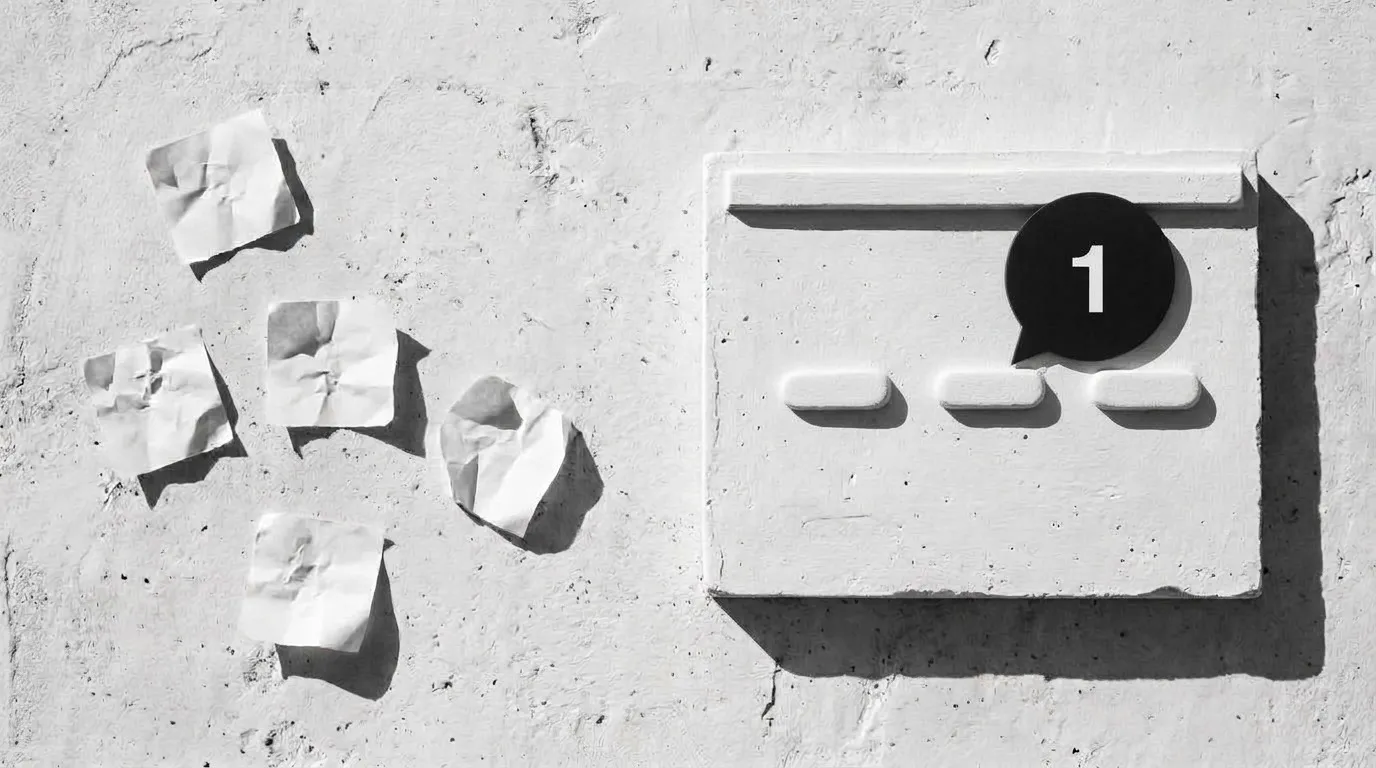
A note like "make it bigger" doesn't say which button
We send clients a prototype and the notes come back in an email, a chat thread and a call. Someone on our side then hunts for the screen and the button each note means.
So we built something small: a layer that sits on any page we already have, lets a client click the thing they mean and write the note right there, and sends us an alert when they do.
One line on the page adds comment pins
Our first version was a kit we copied into each project, and a fix meant editing all the copies. So we moved it to one hosted script.
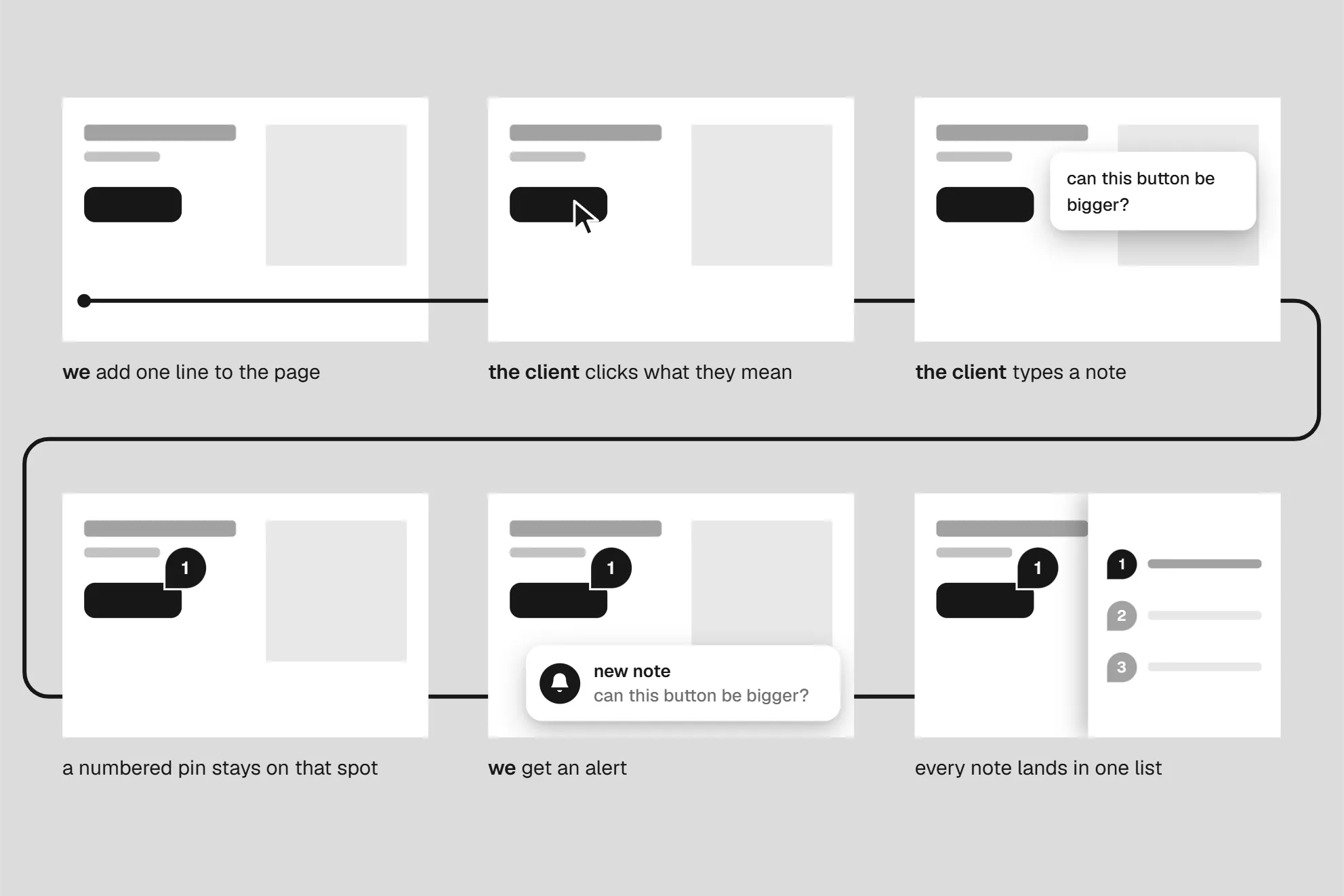
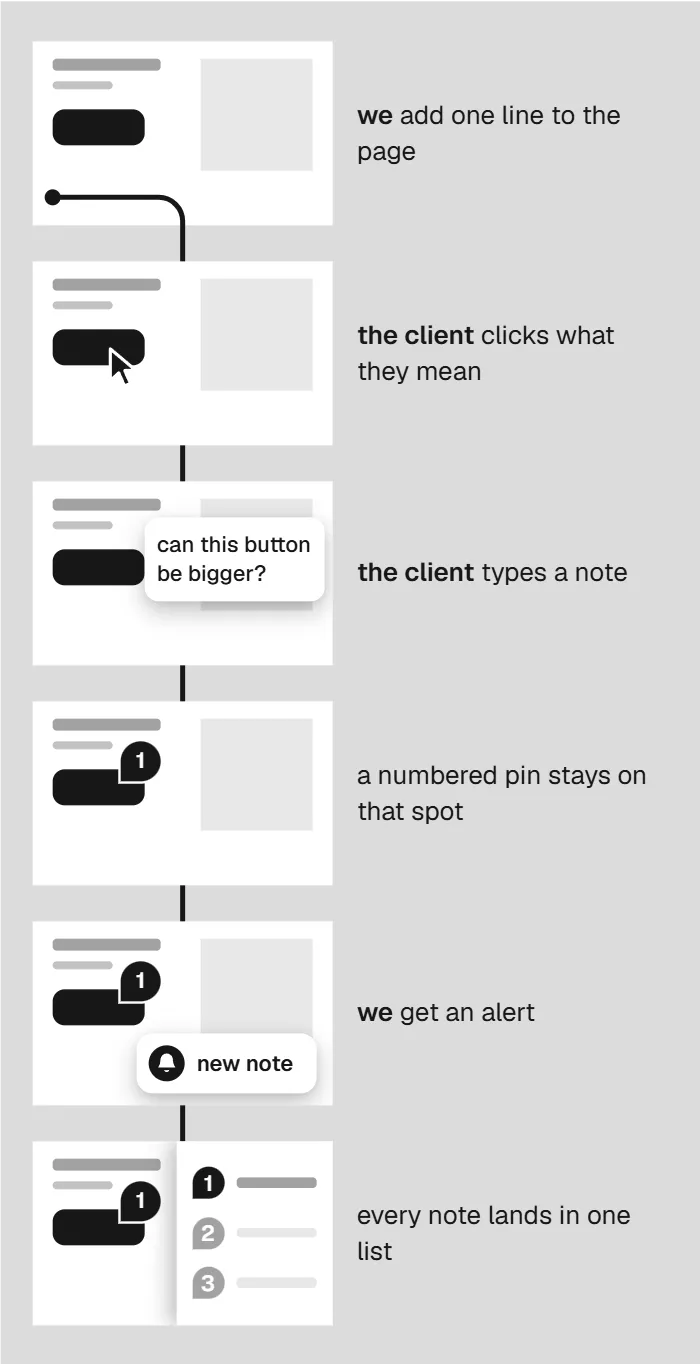
- A page gets one line and a project name.
- A client opens the link and turns on comment mode.
- The client clicks a button or a heading and types.
- A numbered pin stays on that element and an alert lands with us.
- A side panel lists all comments with their replies.
- One click copies them all as text, ready for a designer or an AI helper to work from.
- On our own website, an AI agent then reads the open comments, finds each element in our code and makes the change. It marks each comment done, and the pin turns green.
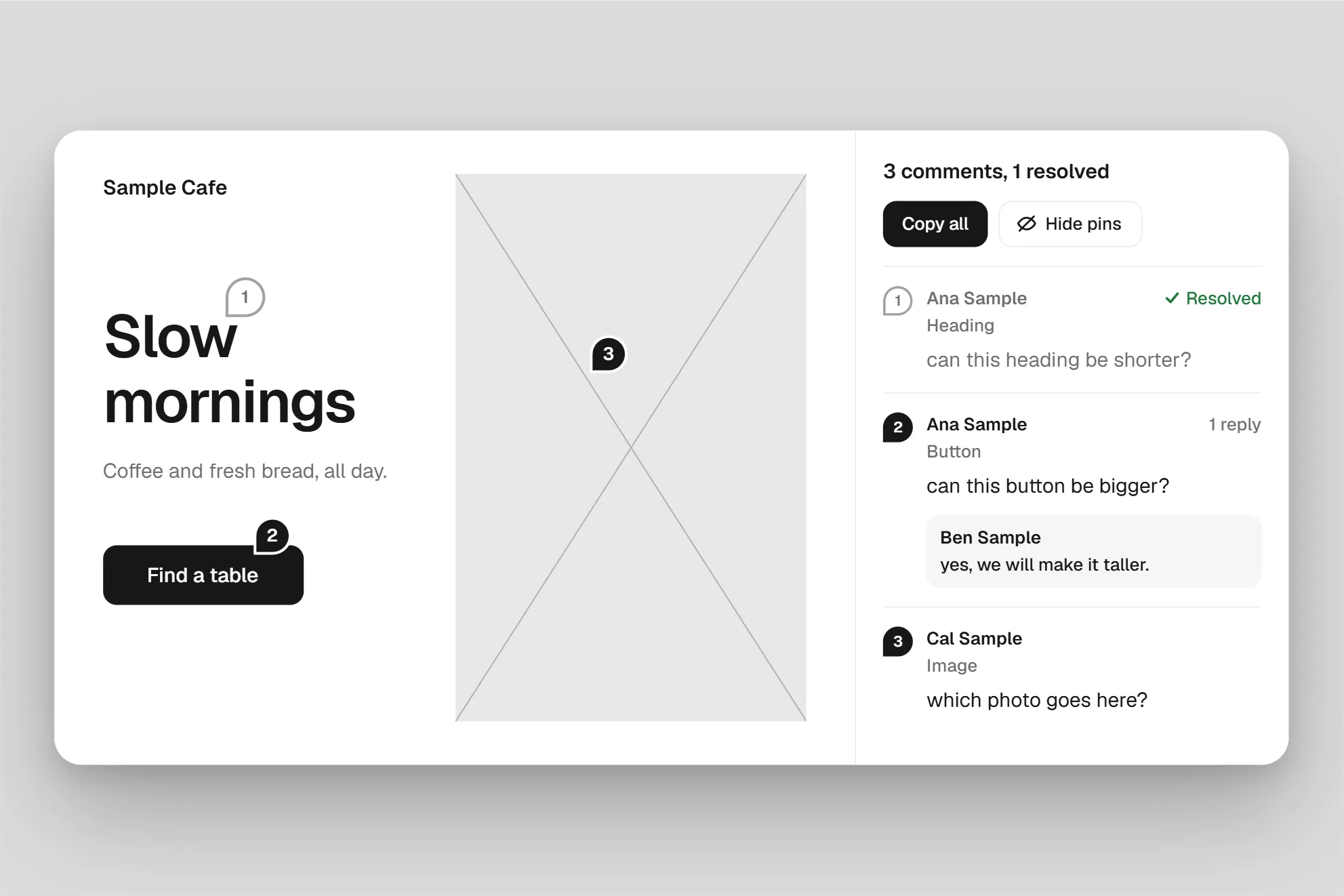
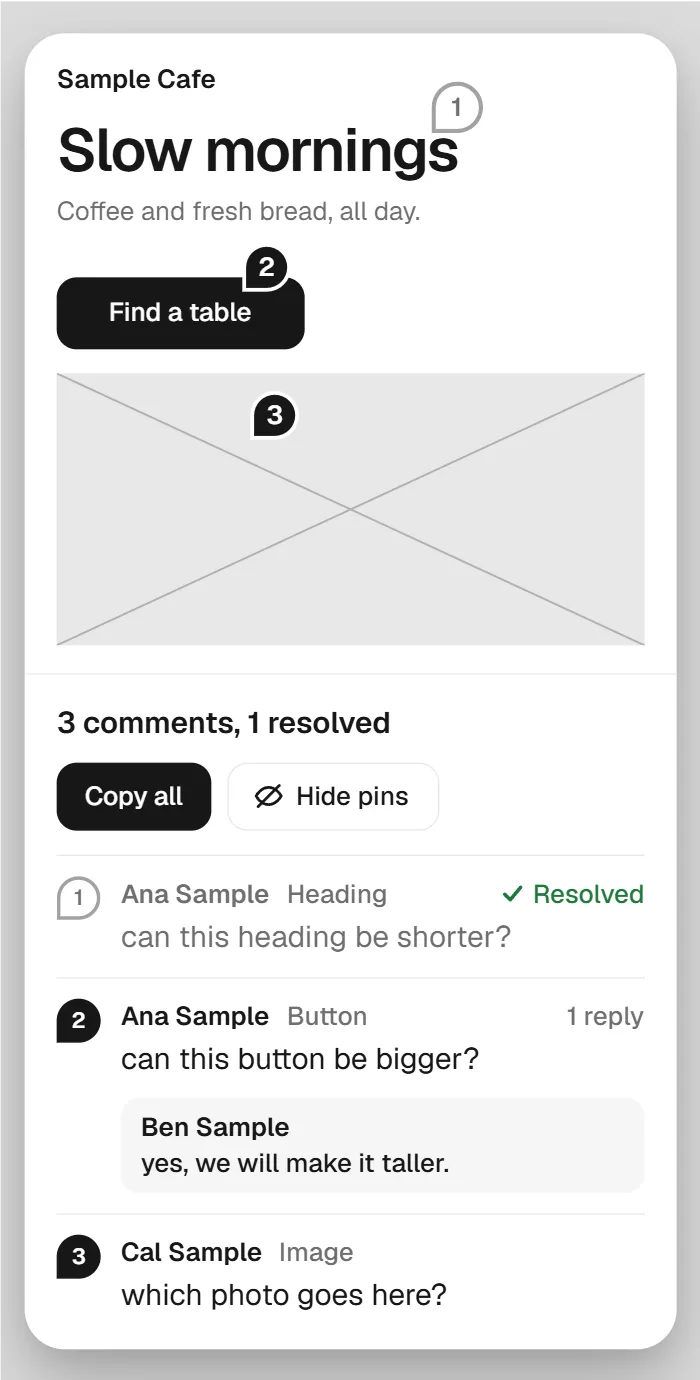
Clients point at the exact element, and every note sits in one list
A client points at the element they mean, needs no account, and every note lands in one list with its replies. It's been in use since October 2026, and we review this website with it too.
On a site that swaps content without reloading, a comment landed under the first page, so we added an option that tells the layer when the page changes.
On a page with no project name, a long site name broke every save, so we fixed how the layer shortens it. Pins covered the design, so we added a button to hide them. We have no timing data yet, so we're not claiming a gain in speed.
- 2026-10-17One comment can now cover up to 10 elements, with a pin on each.

got a prototype that needs client feedback?
book a callTell us what you're building and how reviews work for you today.